Understanding Web Accessibility: Why It’s Essential for a Charming Website
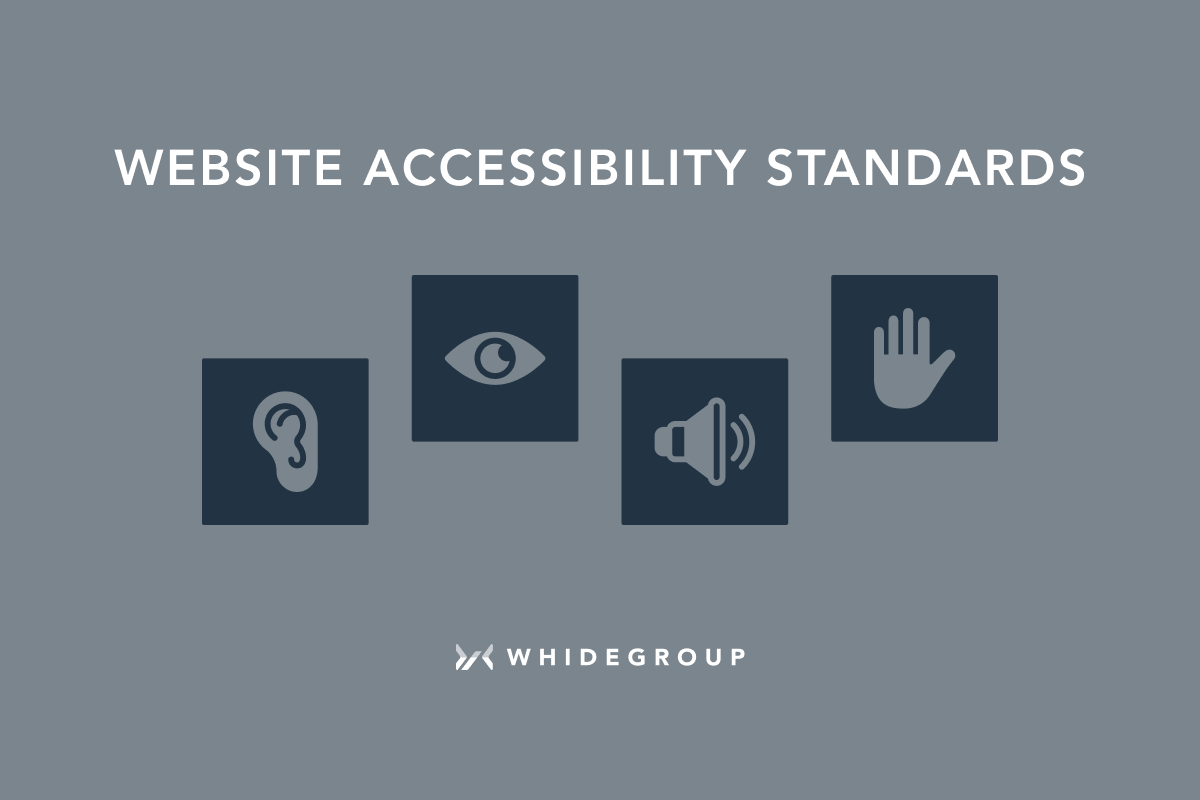
Understanding web accessibility is crucial for creating a website that charms every visitor. In essence, web accessibility means designing your site so that it is usable by people of all abilities and disabilities. Ignoring accessibility can alienate a significant portion of your audience, as approximately 15% of the world's population experiences some form of disability. This includes visual, auditory, motor, and cognitive impairments that can affect how individuals navigate your site. By incorporating web accessibility practices, not only do you comply with legal standards, but you also enhance the overall user experience, leading to increased engagement and retention rates.
Moreover, making your website accessible can positively impact your SEO (Search Engine Optimization). Search engines favor sites that are well-structured and easy to navigate, which is a common outcome of adhering to accessibility best practices. For example, using proper HTML tags, providing text alternatives for images, and ensuring your site is navigable via keyboard can all contribute to better search rankings. You can find more information on this relationship between accessibility and SEO at Moz. Therefore, investing in accessibility is not just an ethical practice; it is also a smart strategy for maximizing your website’s visibility and attractiveness.
Top 10 Tips to Enhance Your Website's Accessibility and Appeal
Top 10 Tips to Enhance Your Website's Accessibility and Appeal
Improving your website's accessibility not only makes it more user-friendly but also enhances its overall appeal to a wider audience. Here are some essential tips to consider:
- Conduct an Accessibility Audit: Use tools like WAVE to identify areas that need improvement.
- Use Descriptive Alt Text: Always include alt text for images to help visually impaired users understand the content.
- Ensure Keyboard Navigation: Make sure all interactive elements are navigable via keyboard, allowing users with disabilities to access them seamlessly.
- Implement Responsive Design: A responsive design improves usability across various devices, enhancing both accessibility and appeal.
In addition to technical enhancements, consider the visual elements of your website:
- Choose Readable Fonts: Use clear, legible fonts that are easy to read on all screen sizes.
- Utilize High Contrast Colors: Ensure there's a strong contrast between text and background colors for better readability.
- Incorporate Clear Navigation: Simple, intuitive navigation helps users find information quickly.
- Create Responsive Media: Use formats that adjust to various screen sizes and ensure they're accessible to all users.
- Provide User Feedback: Incorporate processes that allow users to report accessibility issues, creating a continual improvement loop.
Is Your Website Charming Enough? The Role of Accessibility in User Experience
In today's digital landscape, ensuring your website is charming is not just a superficial quality; it significantly impacts user experience. Accessibility is a core aspect of this charm, making your site usable for everyone, including individuals with disabilities. According to the World Wide Web Consortium (W3C), web accessibility means that people with disabilities can perceive, understand, navigate, and interact with your site. Without these considerations, you risk alienating a portion of your audience, which can harm your site's reputation and SEO rankings.
Creating an accessible website involves implementing various features, such as proper HTML semantics, alt text for images, and keyboard navigation techniques. By doing so, you ensure that all users can enjoy a smooth and engaging experience, regardless of their abilities. Remember, a charming website is one that invites users to stay longer, interact more, and ultimately convert. Make accessibility a priority, and your website will not only look appealing but also serve as an inclusive platform that values the experience of all visitors.